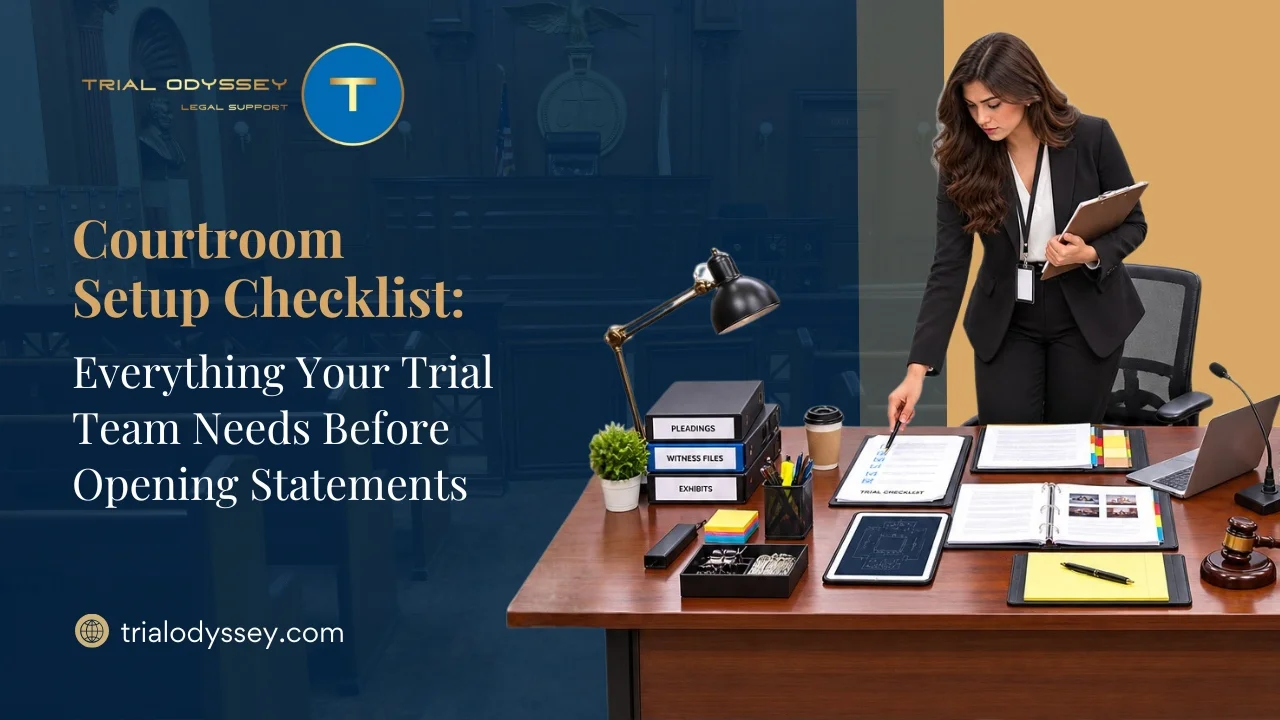
The first ten minutes of a trial set the tone for everything that follows, and nothing undercuts a strong opening like a screen that stays black while the jury watches counsel fumble with a cable. By the time the panel is seated, the room should already be handled. A working courtroom setup checklist is how a trial team makes sure the technology, the exhibits, and the people are all ready before the judge says the word “proceed.”
Setup failures are rarely dramatic. They are small: the wrong adapter, a file format the court’s system will not open, a demonstrative the judge never approved. Each one is avoidable, and each one costs credibility at the moment credibility matters most. The checklist below works backward from opening statements to catch those failures while there is still time to fix them.
Start With the Court, Not the Cart
The first item on any courtroom setup checklist has nothing to do with equipment. It is a call to the court. Local rules, not preference, decide what a trial team may bring in and switch on. Federal courtrooms operate under a general prohibition on photographing and broadcasting proceedings, and many courthouses treat personal electronic devices as barred or inoperable unless the presiding judge authorizes their use. Assuming a laptop and a monitor are welcome is a fast way to arrive with gear that has to stay in the car.
Most courts also want the team to prove it can run the room. Some districts require, by local rule, that anyone using courtroom technology understands and can operate it, and they ask counsel to schedule practice time in the actual courtroom days in advance, often through the case manager or courtroom deputy. Requests to use specific equipment frequently have to be raised at the final pretrial conference. Book that time. A dry run in the room where the case will be tried surfaces problems no office rehearsal ever will.
Clear Your Opening Demonstratives in Advance
Opening statements carry a specific trap. A graphic, timeline, or slide shown during opening is not yet evidence, and whether it can be used at all sits within the trial judge’s discretion. Many local rules bar demonstratives in opening without prior approval, and counsel is expected to hold a good-faith belief that the underlying material will be admitted later.
The safe practice is to disclose early. Share every opening visual with the court and opposing counsel far enough ahead that objections get resolved outside the jury’s presence, rather than mid-sentence in front of the panel, with the final status conference a sensible deadline to work toward. The December 2024 amendment to the Federal Rules of Evidence added Rule 107 to govern illustrative aids, the category most opening graphics fall into, so the line between an aid and substantive evidence is something to settle before the opening, not during it.
Producing and pre-clearing those visuals on time is its own workstream, which is why firms often hand it to a trial graphics team such as Trial Odyssey. If the judge declines the technology altogether, a low-tech fallback of an ELMO or an easel keeps the visual argument alive.
Load and Verify the Presentation System
Only after the court’s rules are settled does the hardware matter. Walk the room and confirm the full display chain: the monitors for the judge, the jury, the witness, and opposing counsel, the evidence camera, the audio for video clips, and the connection from the presentation laptop to whatever the courtroom provides. Test the actual files, not just the software. A slide deck that runs fine at the office can still choke on a courtroom projector.
Federal trials add a wrinkle worth knowing. Many districts use the Jury Evidence Recording System, or JERS, which lets jurors review admitted exhibits on a monitor in the deliberation room. JERS is not the courtroom display system, and the two should never be confused, but it carries real requirements: exhibits must arrive in accepted file formats, within court-specified size limits, on a single storage device, and by a deadline the courtroom deputy sets.
The parties, not the court, are responsible for making sure the JERS copies match the exhibits actually admitted. Catching a bad file days before trial is far better than discovering it during deliberations.
Build In Redundancy Before You Need It
Assume something will fail, because on a long trial something usually does. A complete courtroom setup checklist plans for the failure instead of hoping against it. That means a second presentation laptop configured identically to the first, the exhibit set stored in at least two places, and printed hard copies of the key exhibits and the opening itself in case every screen in the room goes dark at once.
The small items sink teams more often than the large ones. Carry adapters for every port the courthouse might have, spare cables, power strips, and enough extension cord to reach an outlet that is never where the podium is. Do not count on courthouse wifi, which is often absent or locked down. The aim is a setup that degrades gracefully, one where a single point of failure never becomes a stalled opening.
The People Behind the Checklist
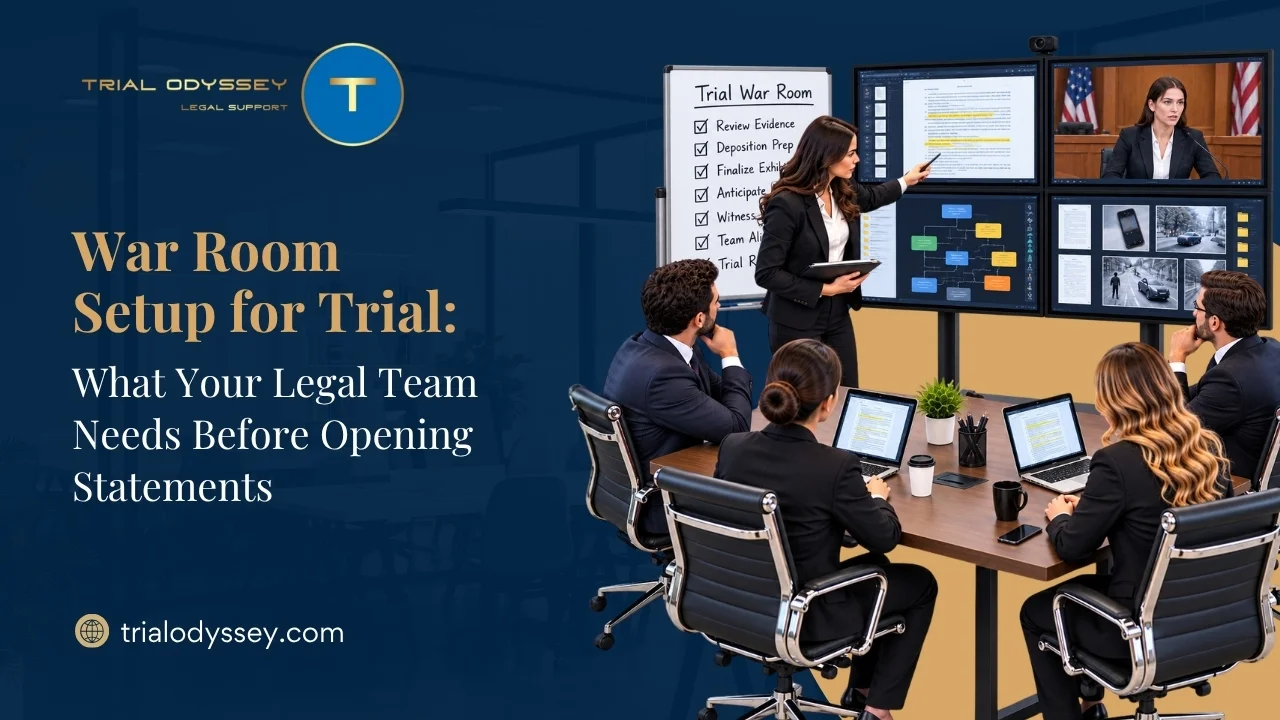
Equipment does not run itself, and a checklist is only as reliable as the person who owns it. Before opening statements, the roles should be settled and unambiguous. One person operates the presentation system from the hot seat. One person holds the master exhibit list and confirms what has been admitted. One person is the point of contact with the courtroom deputy for anything the court needs. When those assignments are clear, a technical hiccup becomes a quiet fix rather than a scramble the jury watches unfold. This division of labor is what many firms hand to a trial support partner, and it is the model Trial Odyssey builds its courtroom readiness around, running the technology, the war room, and the on-site troubleshooting so counsel can keep their attention on the argument.
Ready Before the Jury Is Seated
A courtroom setup checklist is not about gadgets. It is about removing every avoidable reason for the opening to go sideways, so the first thing the jury sees is a team in command of its case. Handle the court’s rules first, clear the demonstratives early, verify the technology in the actual room, and build in the redundancy that turns a failure into a footnote. Trial Odyssey approaches setup as trial infrastructure rather than an afterthought, which is the difference between walking into the courtroom hoping it works and knowing it will.
Frequently Asked Questions
1. Why is a courtroom setup checklist important before trial?
A courtroom setup checklist helps ensure that technology, exhibits, demonstratives, and courtroom logistics are fully prepared before opening statements. It reduces the risk of technical failures, document errors, and last-minute disruptions that can affect the presentation of a case.
2. What should a courtroom setup checklist include?
A comprehensive courtroom setup checklist should cover courtroom technology testing, exhibit verification, approval of demonstrative exhibits, hardware compatibility, backup equipment, file format checks, and clear assignment of responsibilities among trial team members.
3. Why should trial teams test courtroom technology in advance?
Testing technology in the actual courtroom helps identify issues such as incompatible file formats, display problems, audio failures, or missing adapters before trial begins. An on-site walkthrough allows teams to resolve technical issues without disrupting courtroom proceedings.
4. Why is it important to obtain approval for demonstrative exhibits before opening statements?
Demonstrative exhibits used during opening statements may require prior approval from the court. Sharing them with the court and opposing counsel in advance helps resolve objections before trial, reducing the likelihood of interruptions during opening statements.
5. How can trial teams prepare for unexpected technical failures during trial?
Trial teams should build redundancy into their courtroom setup by maintaining backup presentation devices, duplicate copies of exhibits, spare cables and adapters, printed copies of key documents, and clearly assigning responsibility for managing courtroom technology and exhibits throughout the trial.