
When the gavel drops on trial day, months or even years of legal discovery, depositions, and motions culminate in a few high-pressure hours. For trial attorneys, the courtroom should be a stage dedicated strictly to persuasive advocacy, crisp cross-examinations, and flawless narrative execution.
Unfortunately, many legal teams find themselves derailed not by the law, but by logistical friction. A misplaced document, an incompatible video codec, or an unvetted remote witness link can instantly break your momentum and compromise your presentation. In high-stakes litigation, modern law firms look past basic administrative prep and actively rely on specialized external partners.
Implementing a structured infrastructure checklist with the help of professional trial support services ensures your trial team operates with absolute precision from the opening statement to the final verdict.
Why Modern Litigation Demands a Professional Support Strategy
The modern courtroom is an incredibly high-tech environment. Federal courts and state jurisdictions increasingly enforce strict guidelines regarding digital exhibit submissions, evidence formatting, and presentation equipment.
For example, local federal rules, such as the Federal Rule of Civil Procedure 34 and local district policies governing electronic evidence, mandate precisely how digital data must be produced and organized. Attempting to manage an enterprise-level trial presentation using simple consumer software or unorganized folders invites disaster.
Furthermore, under the Federal Rules of Evidence (FRE), specifically Rule 1006, legal teams are permitted to use summaries, charts, or calculations to prove the content of voluminous writings that cannot be conveniently examined in court.
Preparing these complex, demonstrative charts is a highly technical discipline. Utilizing dedicated trial support services guarantees that your summaries are not only visually impactful for the jury, but fully compliant with the court’s strict evidentiary admissibility standards.
The Pre-Trial Support Checklist
To eliminate unpredictable logistical failures, your firm should organize its pre-trial operations into four distinct functional zones.
- The War Room Setup and Technical Infrastructure
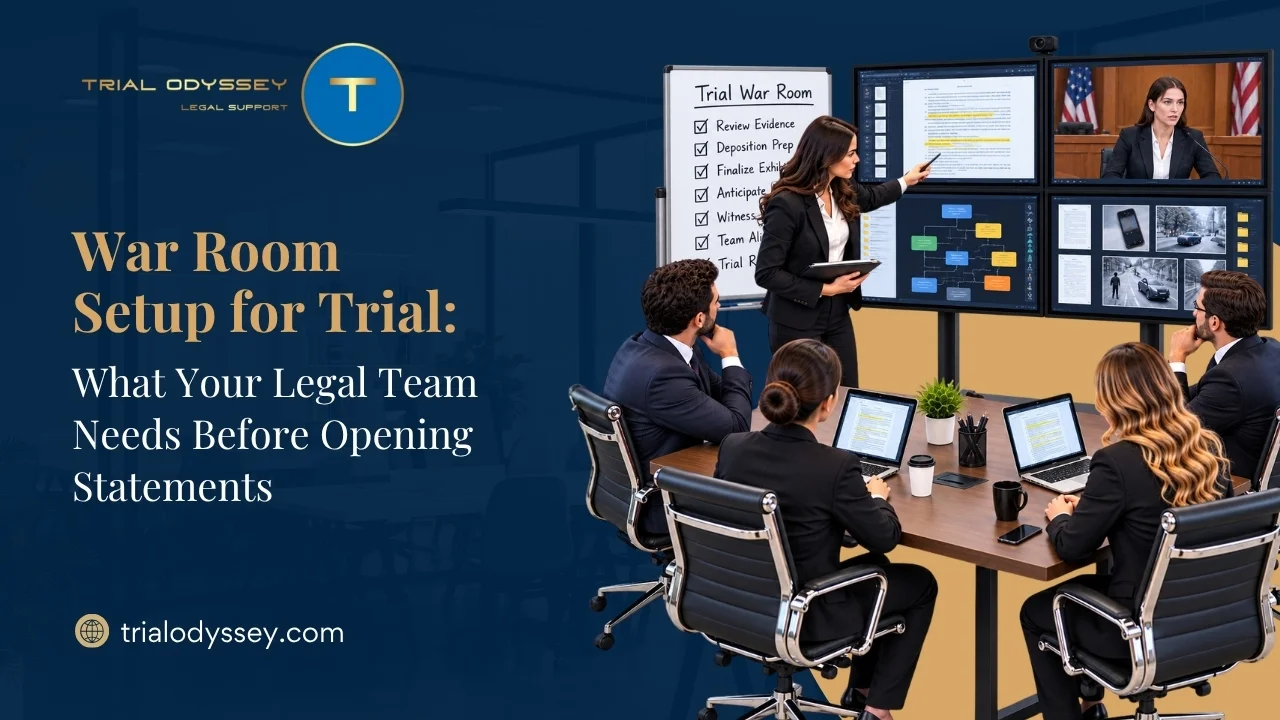
Your offsite trial war room acts as core center for your entire operation. Whether you are operating out of a local hotel suite, a coworking hub, or a rented satellite office, the physical space must mirror an enterprise data center.
- Redundant Internet and Security: Implement high-speed, multi-layered encrypted Wi-Fi networks with a secondary cellular backup hotspot to safeguard sensitive client data.
- Heavy-Duty Hardware: Deploy high-volume, commercial-grade scanners and multi-function printers. Your team must have the capability to duplicate documents or generate unexpected hard-copy exhibits at 2:00 AM without leaving the room.
- Administrative Tracking: Maintain an updated master contact sheet containing direct mobile numbers for all attorneys, paralegals, client representatives, expert witnesses, and assigned court officials.
- Digital Exhibit Management and Database Engineering
Fumbling through messy files while a judge waits damages your credibility. Your backend database must be structured for rapid, split-second retrieval.
- Hyperlinked Witness Folders: Every potential witness should have a dedicated digital folder containing their specific deposition transcripts, prior statements, and all pre-marked exhibits they might be asked to authenticate.
- Software Staging: Pre-load all finalized exhibits into a professional trial presentation platform (such as TrialPad or TrialDirector). Ensure your database houses clean, unredacted versions alongside the official court-approved redacted files.
- Bates Stamping and Indexing: Run automated cross-checks to verify that all exhibit numbers perfectly match the joint exhibit list submitted to the opposing counsel.
- Visual Demonstratives and Multimedia Production
Jurors are visual learners who retain information far more effectively when complex data is reinforced by clean, compelling graphics.
- Interactive Timelines: Convert dry sequences of events into highly interactive digital timelines that allow the attorney to zoom in on a specific email, contract clause, or financial transaction.
- Deposition Video Syncing: Ensure all videotaped deposition testimony is digitally synchronized with the official court reporter’s written transcript. Your multimedia technician must be prepared to instantly cut and play specific impeachment clips on the courtroom screens during cross-examination.
- FRE Rule 1006 Compliance: Vet all summary charts against the underlying raw data to protect your demonstratives from sustainable objections regarding completeness or unfairness by opposing counsel.
- Courtroom Technology Testing and Dry-Runs
Never assume that your laptop will natively connect to a courtroom’s legacy projector or audio system.
- Live Venue Auditing: Schedule a formal technical walkthrough with the court’s clerk or internal IT staff at least five days before trial day.
- Hardware Compatibility: Test all aspect ratios, HDMI switchers, sound systems, and wireless annotation monitors.
- Configuration Settings: Adjust all presentation laptops to “Extended Display Mode” so that the legal team can stage evidence privately on one screen before moving it to the jury-facing monitors. Ensure all automatic software updates, sleep modes, and push notifications are completely deactivated.
Maximizing Courtroom Impact with Professional Hot-Seat Operators
Many law firms attempt to save money by having an associate or a paralegal manage the presentation software from the counsel table during a live trial. This is a massive tactical mistake. An attorney cannot focus on a witness’s verbal tells or a juror’s body language if they are simultaneously worrying about clicking the correct file or troubleshooting a broken video connection.
Retaining professional trial support services gives your team access to an experienced “hot-seat operator.” These technical trial technicians sit in the courtroom trenches, handling the mechanics of your evidence presentation seamlessly. When you state, “Please display Exhibit 14, page 3,” the technician brings up the document instantly, highlights the critical sentence in real-time, and side-by-sides it with a contradicting deposition transcript. This level of execution creates a smooth, highly professional courtroom presence that keeps the jury engaged and focused on your client’s narrative.
Conclusion
Courtroom victories are built on a foundation of rigorous legal theory, but they are executed through flawless logistical control. A single technical error or disorganized file structure can instantly break your momentum and distract the jury from your core arguments. By utilizing an exhaustive preparation checklist and partnering with an experienced trial support services provider, your law firm can completely eliminate the operational anxiety of trial day. This proactive investment protects your client’s interests, insulates your team from unexpected hardware failures, and ensures your trial attorneys can dedicate 100% of their cognitive energy to winning the case.
FAQs
Q1. What specific tasks are covered under professional trial support services?
Comprehensive trial support services encompass a wide array of technical and logistical workflows, including setting up secure offsite war rooms, managing digital exhibit databases, creating interactive multi-media graphics and charts, editing video deposition clips for witness impeachment, and providing an onsite hot-seat operator to run presentation software flawlessly inside the courtroom.
Q2. When should a law firm engage a trial support vendor before a big case?
For standard matters, firms should ideally engage a support vendor 30 to 60 days before the trial date. For complex, document-heavy litigation like patent disputes or class-action lawsuits, onboarding your support team 90 days or more in advance is highly recommended. This window provides ample time to build dynamic databases, design custom visual graphics, and resolve potential evidentiary formatting challenges.
Q3. Why should not a paralegal act as the hot-seat operator in court?
While paralegals are crucial for organizing files, managing witnesses, and tracking exhibits behind the scenes, a live courtroom requires a dedicated focus. A professional hot-seat technician specializes exclusively in the presentation hardware and software. They are trained to handle intense courtroom pressure, instantly execute real-time document annotations, and rapidly troubleshoot sudden hardware glitches without pulling your legal staff away from their primary case-management duties.